
10 posts tagged with "news"

View All Tags

Flet Studio: build Python apps in your browser

· 4 min read
Feodor Fitsner
Flet founder and developer

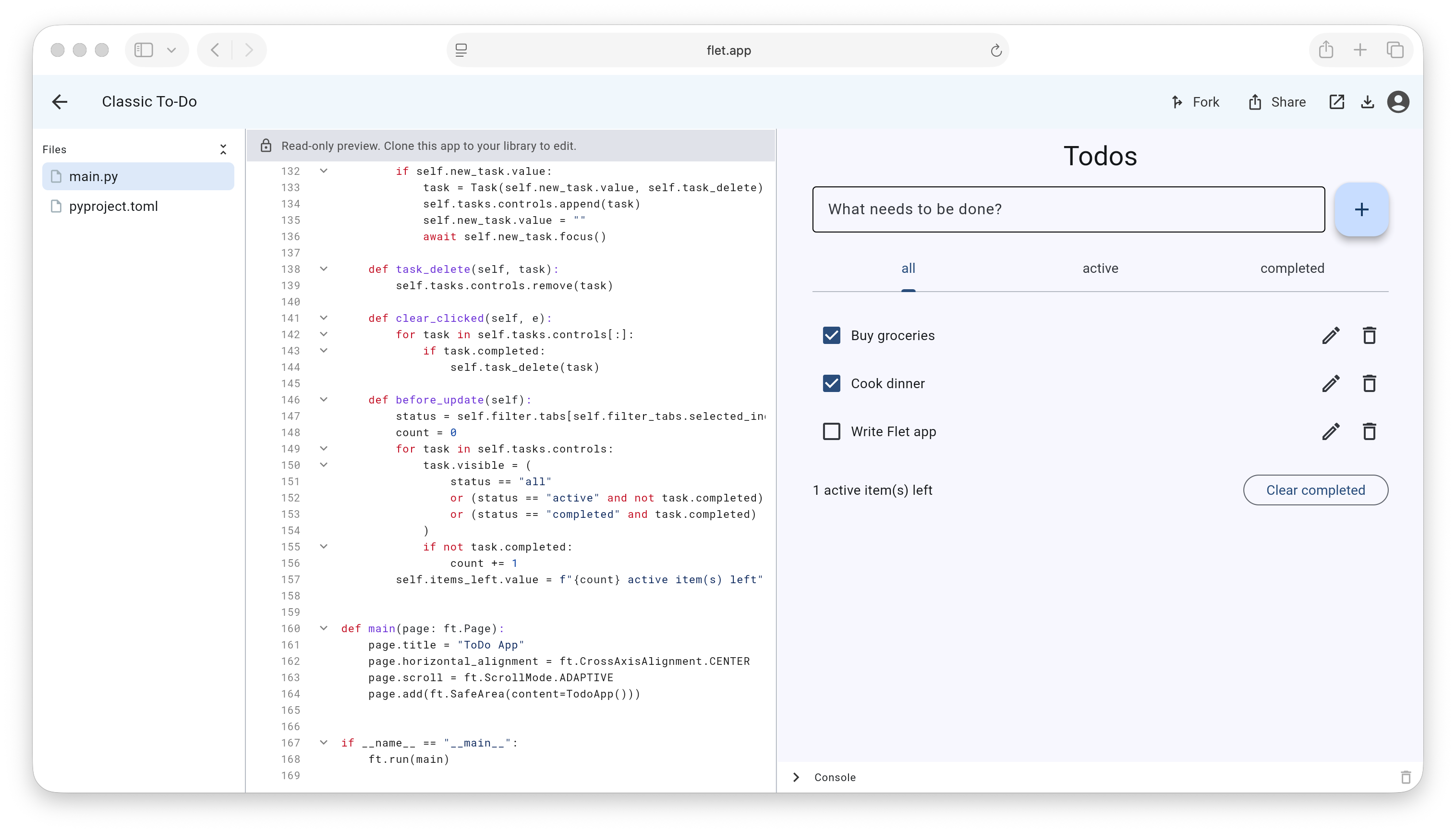
Today we're launching Flet Studio — a browser-based IDE for writing, running, saving, and sharing Flet apps. Your Python code runs entirely in the browser, so there's no account required to try it and no local install required to run something a friend shared with you.

It started life as a playground for Flet apps, but turned out to be much more: a place to prototype, a gallery of editable examples, and a way to send someone a working app as just a link.
Flet 1.0 Beta

· 3 min read
Feodor Fitsner
Flet founder and developer

Today, we're releasing Flet 1.0 Beta, published as version 0.80.0!

Flet 1.0 is a huge leap forward! Its goal is to ensure long-term growth, with an architecture designed to scale to larger projects, more users, and an expanding feature set.

  • Developers can use either imperative or declarative style to write their Flet apps.
  • The new documentation website based on mkdocs, generated from Flet code base and always up-to-date.
  • End-to-end integration tests for all controls and examples.
  • Extensions are back in Flet main repo, with combined docs and covered by tests.
  • Examples are back to main Flet repo, always in sync with Flet API and covered by tests.
  • flet debug CLI for debugging app on real devices and emulators.
  • Build, test and release workflows are automated with GitHub Actions.
  • Clean extensibility model with simplified API on Python and Flutter sides.

Sensor and system services

· 3 min read
Feodor Fitsner
Flet founder and developer

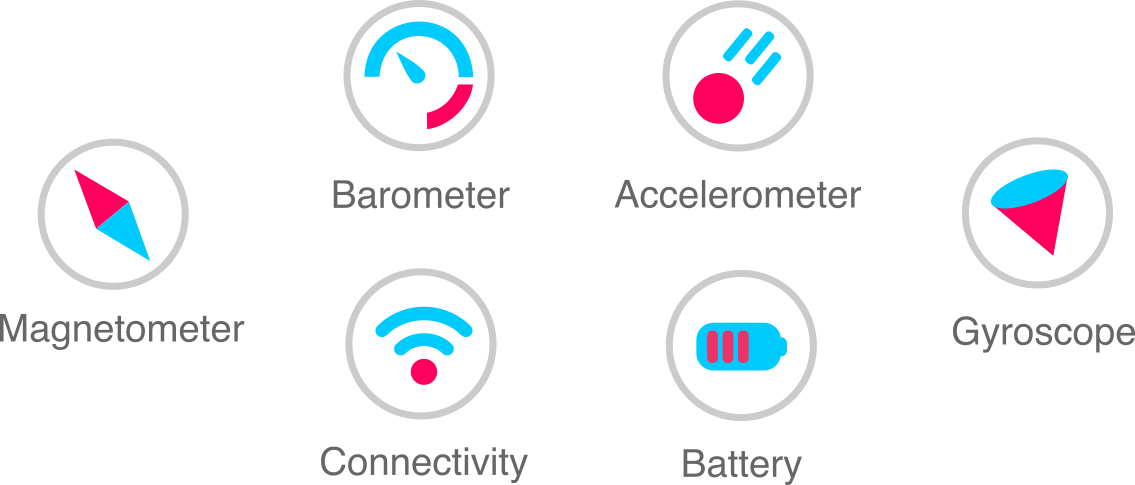
We've just merged a pull request introducing 10 new device and platform services to the Flet SDK, significantly expanding access to hardware sensors and system capabilities.

New sensor services

  • Accelerometer – Reads raw acceleration along the X, Y, and Z axes, including gravity.
  • Barometer – Provides atmospheric pressure readings useful for altitude estimation.
  • Gyroscope – Measures device rotation around each axis.
  • Magnetometer – Detects magnetic field strength, commonly used for compass functionality.
  • UserAccelerometer – Reports acceleration data with gravity filtered out for cleaner motion detection.

New system services

  • Battery – Monitors battery level, charging state, and power source changes.
  • Connectivity – Detects network status and connection type (Wi-Fi, mobile, offline).
  • ScreenBrightness – Allows reading and adjusting the device screen brightness.
  • Share – Invokes the system share sheet to share text, files, or URLs.
  • Wakelock – Prevents the device screen from dimming or sleeping while active.
Flet sensor and system services

flet debug: the new CLI for testing Flet apps on mobile devices

· 4 min read
Feodor Fitsner
Flet founder and developer

Flet provides "Flet" app, for both iOS and Android, to "experience" your app on a real device. While using Flet app your Python app is still running on your computer and UI changes are streamed to a mobile device. While this approach is fast and convenient it has limitations: the app is able to only use sensors,libraries and permissions coming with Flet app and you can't know whether the app and all its dependencies are going to work when packaged and executed by a Python mobile runtime.

In the latest Flet v1 pre-release we have introduced three new Flet CLI commands to package and run Flet app on a real device or emulator:

Introducing Declarative UI in Flet

· 10 min read
Feodor Fitsner
Flet founder and developer

Flet 1.0 is about more than a facelift. Our goal is to help Python developers build production-grade apps that scale from a handful of screens to hundreds of pages, views, and dialogs.

Dogfooding Flet — building our own products like the Flet mobile app and the Control Gallery — made it clear that the imperative approach becomes hard to manage as apps grow.

That’s why Flet 1.0 introduces a declarative approach alongside the existing imperative API, drawing inspiration from frameworks such as React, SwiftUI, and Jetpack Compose.

Here's a quick look at a counter app written declaratively:

import flet as ft

@ft.component
def App():
count, set_count = ft.use_state(0)

return ft.Row(
controls=[
ft.Text(value=f"{count}"),
ft.Button("Add", on_click=lambda: set_count(count + 1)),
],
)

ft.run(lambda page: page.render(App))

Keep reading to see how it works and how you can start using it today.